PowerPress Plugin
Free, Powerful & Easy to Use. Launch and manage your podcast on your own WordPress site. Control your brand and SEO!


#1 Podcast publishing plugin for WordPress
With more than 100 features and 100,000 active users, Blubrry’s PowerPress plugin has been consistently maintained and upgraded to remain the preferred WordPress podcasting plugin since 2008.
Powerful yet simple to install and integrate, new and experienced podcasters will be up and running in no time. Podcast publishing is as easy as 1, 2, 3 – Create, Upload, Publish. Power your podcast for free with Blubrry’s PowerPress plugin.
Explore our Standard, Advanced and Professional and Private Podcast hosting plans for your podcast. Take advantage of Blubrry’s Podcast AI Assistant and, if you’re struggling to get going, explore our Concierge Onboarding service.
Key Features:
- Easy-to-use interface for fast and efficient publishing
- Full integration with all top podcast directories and platforms
- Use advanced SEO tools to boost discoverability
Control your brand. Own your show on your site!

Getting Started
- Free basic podcasting stats included
- Frequent updates
- Migration/Import Tools
- Category and/or Channel Podcasting for multiple shows

Publish Your Podcast
- Distribute to Apple, Google, Spotify, iHeart, etc.
- Rich show notes with graphics
- SEO tools for your website and RSS feed
- Closed Captions included in your audio player (exclusions apply)
- Build your brand

Distribute Your Episodes
- Distribute to all major podcast platforms
- Audio and video players to choose from
- Create a playlist of your most popular episodes, etc.
- You control and own your podcast feed

Over 150 5-star ratings & 99% support-resolution rate on WordPress.

Made for Beginners & Superior Plugin, Superior Support
“I have been a massage therapist and bodywork for 25 years, so you can imagine how all things tech are so intimidating to me. If I can launch and run a podcast, anyone can! Thank you for the helpful posts and episodes that teach me along the way.”
– Avangeline9
“Great plugin – works amazing for podcasts with tremendous supporting documentation and a very responsive tech team. All the best to you guys.”
– Tamar
Powered by Blubrry Podcasting
Unlock more powerful tools with Blubrry hosting
We highly encourage all podcasters to start and to manage your podcast on your website; it’s the No. 1 podcasting best practice in our eyes. That way you are in complete control and can launch a second show or build a network — no limits.
- Your episodes will appear with an audio player to allow listeners to immediately listen.
- Social sharing features allow you and your audience to promote your show.
- Get a snapshot of your IAB Certified podcast statistics from your website.
- Customize your own audio player to match your brand.
Ready to make podcasting easier? Download PowerPress today and start reaching more listeners!
PowerPress + Blubrry Users Include:



Why Should I Have a Website for My Podcast?
Your Own Website Is Just the Beginning of Creating Your Own Brand
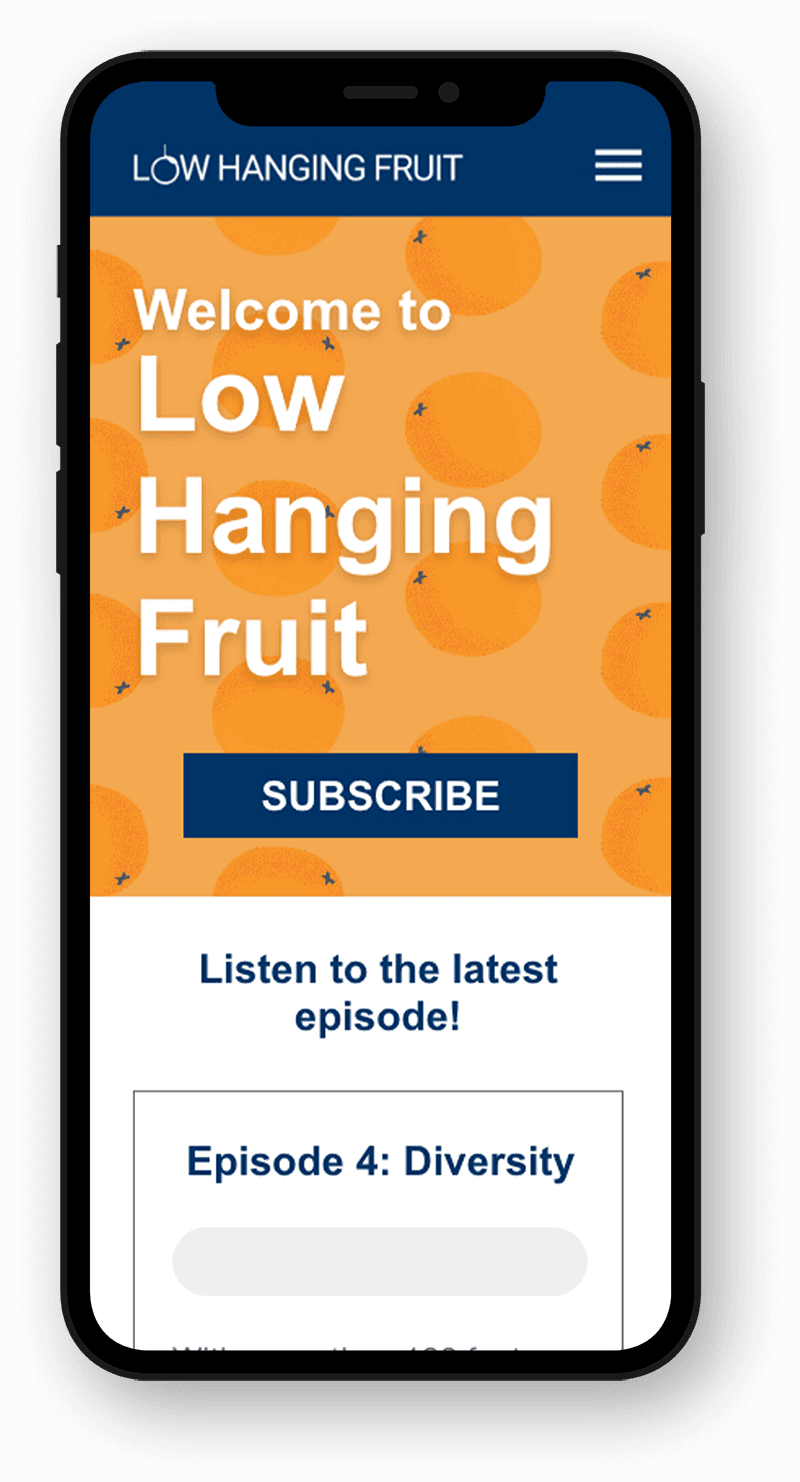
- Ownership and Control: Gives you full control over the brand, content and audience interaction
- Monetization: Sell products, offer premium content, affiliate links and more.
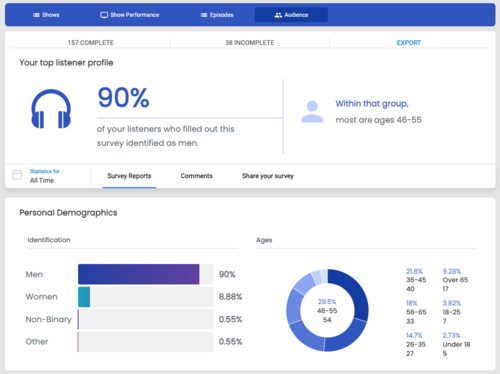
- Audience Engagement: Initiate deeper engagement with blogs, community newsletters, and an audience survey.
- Accessibility: Post your podcast episode with a closed caption-supported web player directly onto your website.
- Discoverability: SEO done well will lead to increased organic traffic which will help your audience grow over time.
- Free website: All hosting customers receive a free WordPress Site!
Compare Hosting Plans
Frequently Asked Questions
Do I Have to Use Your Hosting to Use PowerPress?
No, you can host your media anywhere and use PowerPress. But, PowerPress does integrate seamlessly with Blubrry hosting. You can manage your podcast completely within your WordPress site if you are using Blubrry Hosting.
Can I Install PowerPress on My Self-hosted WordPress Site?
Yes, you can use PowerPress on any WordPress.org (self-hosted) website and on WordPress.com as long as you are on the Business Level plan. You can also use PowerPress on a WordPress site provided by Blubrry.com if you are a podcast hosting customer.
What File Formats are Supported in PowerPress?
PowerPress will work with any media format that works for podcasting in general. These include, mp3, m4a, m4v (video), mp4 (video) and PDF (text).
Can I Use PowerPress for a Video Podcast?
Yes! PowerPress will work with video and includes player that will work with your video podcast files. mp4 or m4v are the best formats for video podcasting.
Is There a Charge to Use PowerPress?
PowerPress is a free plugin. You are free to use it without paying Blubrry for services. There are some features that only work if you are hosting or using Blubrry stats (Basic or Pro).